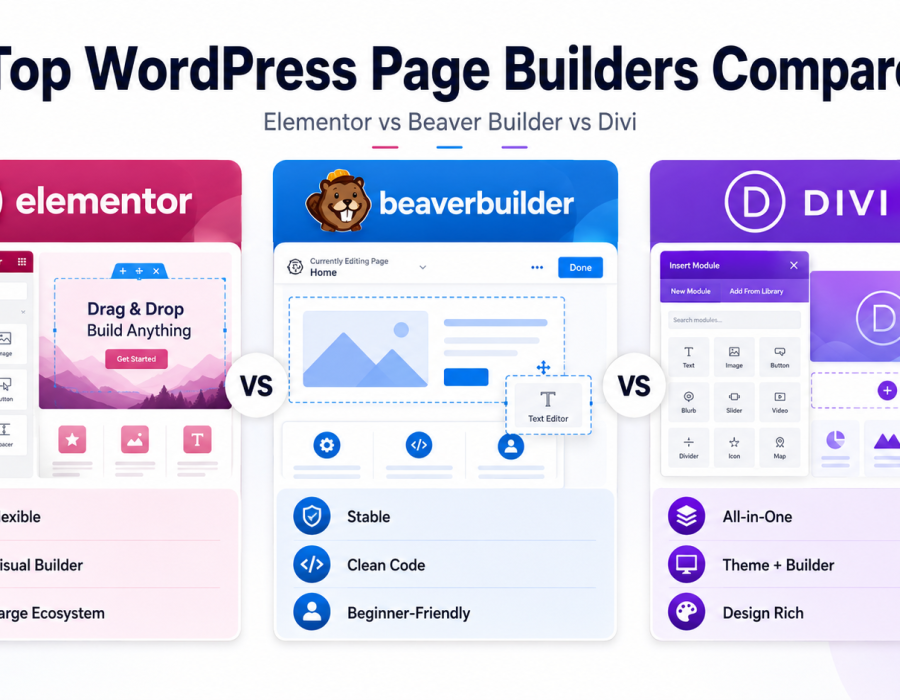
If you’ve explored the Customizer or Site Editor and still want more visual, drag-and-drop control over your page layouts, a page builder plugin is likely your next step. Page builders have long been a popular way to design highly custom pages without writing code — though the native Block Editor has narrowed that gap significantly in recent years.
This guide compares the most established page builder options, what each one does well, and where the trade-offs lie — so you can make an informed choice for your specific project.
Here is how it works and how you can apply it.
What Is a Page Builder?
A page builder is a plugin that adds drag-and-drop, highly visual design tools on top of WordPress, typically offering more granular layout control than the native Block Editor or theme Customizer alone — especially for complex, custom page designs.
Example: A landing page with an unusual, highly custom layout — overlapping design elements, custom animations, complex multi-column sections — is often easier to build visually with a page builder than by piecing it together from standard blocks.
Elementor
One of the most widely used WordPress page builders, known for its extensive design flexibility and large ecosystem of add-ons.
- Strengths: Highly visual, drag-and-drop interface; large template library; extensive third-party add-on ecosystem; strong community support.
- Trade-offs: Can add more performance overhead than lighter-weight alternatives if not configured carefully; content built with Elementor is more tied to the plugin, creating some lock-in risk if you later switch away from it.
- Best for: Users who want maximum design flexibility and are comfortable committing to a specific builder ecosystem.
Beaver Builder
Known for a cleaner, more streamlined interface and a strong reputation for stability and developer-friendliness.
- Strengths: Reliable, well-coded performance; simpler learning curve than some competitors; strong reputation among WordPress developers for clean output.
- Trade-offs: Smaller template and add-on ecosystem compared to Elementor; fewer built-in design options out of the box.
- Best for: Users who prioritize stability and clean code over an extensive feature list.
Divi
A page builder paired with its own full theme, offering an integrated design system across your entire site.
- Strengths: Extensive built-in design options; large template library; integrated theme and builder combination simplifies some workflows.
- Trade-offs: Steeper learning curve for some users due to its breadth of options; performance can vary depending on configuration; deeper commitment to the Divi ecosystem specifically.
- Best for: Users who want an all-in-one theme-and-builder package rather than combining separate tools.
Elementor vs. Beaver Builder vs. Divi
| Aspect | Elementor | Beaver Builder | Divi |
|---|---|---|---|
| Learning curve | Moderate | Lower | Moderate to higher |
| Design flexibility | Very high | High | Very high |
| Performance (typical) | Good, varies by add-ons used | Generally strong | Varies by configuration |
| Ecosystem size | Very large | Smaller, focused | Large |
| Lock-in risk | Higher | Moderate | Higher (integrated theme) |
This comparison reflects general, widely reported characteristics of each tool. Specific features and pricing change over time and should be verified directly with each provider before deciding.
Page Builders vs. the Native Block Editor
The gap between page builders and WordPress’s native Block Editor has narrowed significantly since the introduction of Full Site Editing. For many standard layouts, the native editor now handles what once required a dedicated page builder plugin.
See our dedicated comparison, Page Builder Plugins vs. Native Block Editor, for a deeper look at when a page builder is genuinely worth adding versus when the built-in tools are sufficient.
How to Choose the Right Page Builder
Ask yourself:
- How complex are your design needs?
Highly custom, unusual layouts often benefit most from a dedicated page builder.
- How much do you value long-term portability?
Page builders create more content lock-in than native blocks; weigh that against the design flexibility gained.
- What’s your tolerance for a learning curve?
Beaver Builder tends to be simpler to pick up; Elementor and Divi offer more depth but ask more of you upfront.
- Does your theme or site already lean toward one ecosystem?
If you’re using a Divi theme, for example, pairing it with the Divi Builder is often the more integrated path.
Common Mistakes Beginners Make
- Installing a page builder before checking if the native Block Editor already covers the need, adding unnecessary complexity and performance overhead.
- Choosing a page builder based on template variety alone, without considering long-term performance or lock-in.
- Mixing multiple page builders on one site, which frequently causes conflicts and inconsistent design.
- Not testing page builder performance on the actual hosting environment, since page builder overhead can vary significantly depending on server resources.
- Overbuilding pages with excessive nested elements, slowing load times regardless of which builder is used.
Best Practices
- Start with the native Block Editor for standard content and layouts; reach for a page builder only when you hit a genuine limitation.
- Choose one page builder and stick with it consistently across your site to avoid conflicts and inconsistent design.
- Regularly test your site’s load speed after building complex pages, since page builder overhead adds up.
- Keep an eye on lock-in — understand what happens to your content if you ever deactivate the builder.
- Read recent reviews before committing, since page builder performance and features evolve over time.
Conclusion
Page builders remain a strong option when you need highly custom, visually complex page designs beyond what the native Block Editor offers.
Elementor, Beaver Builder, and Divi each take a slightly different approach — weigh design flexibility against performance and lock-in before committing to one, and don’t reach for a page builder before confirming the native tools can’t already do the job.